
FD4Cast Model comes with a built in budgeting tool for all three financial statements. Existing budgets can be accessed by clicking on corresponding worksheets (P&L_Budget, BS_Budget & CF_Budget).
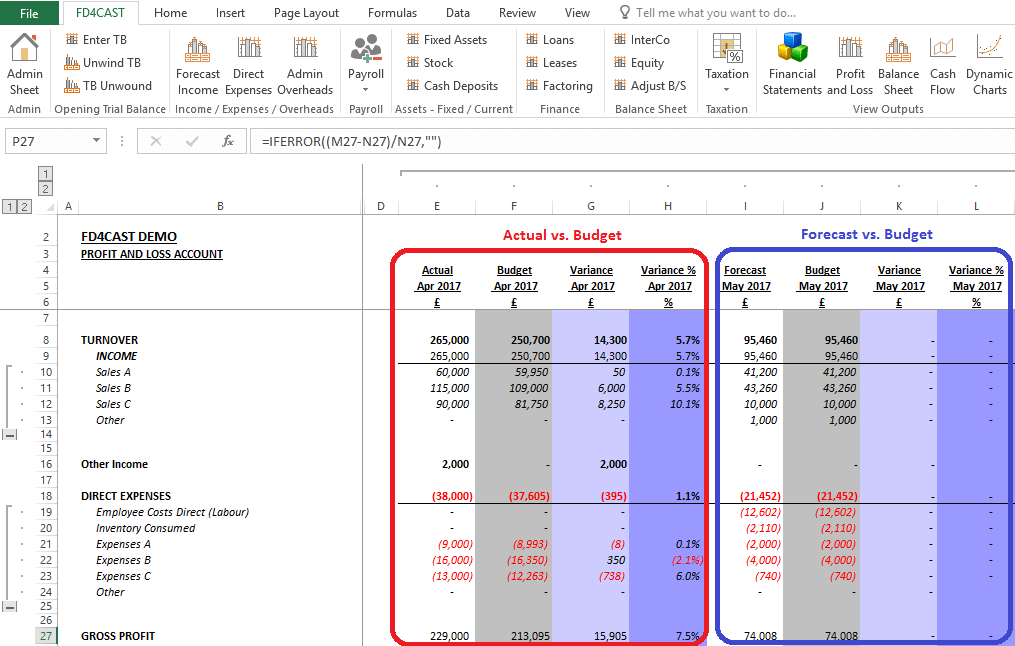
For Year-To-Date periods, actual trial balance input is compared with initial forecast. For Year-To-Go periods, forecast is compared with the budget. In the built in model, budget figures equal to forecast figures and variances are zero.
User can modify budgeted figures within the existing worksheets. It is also possible to add new budget versions. Adding new versions can be a useful tool for creating dynamic budgets throughout the year – user can save old forecasts, but also create new ones on a regular basis.
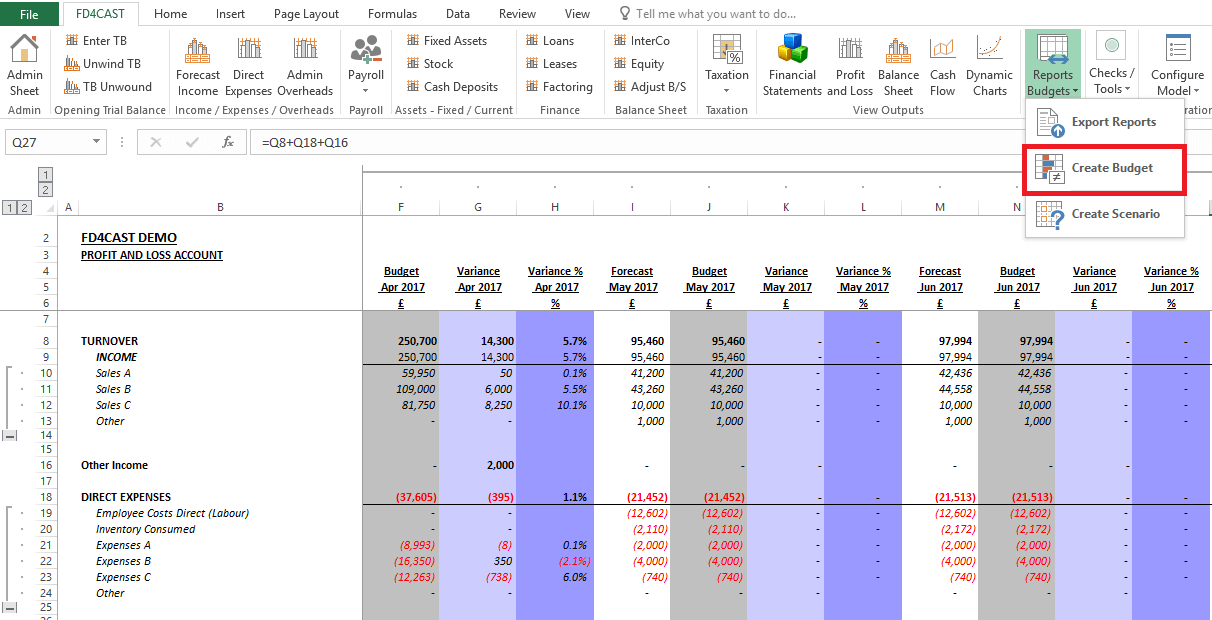
New Budgets can be created by accessing Reports group on the ribbon: Reports Budgets > Create Budget.
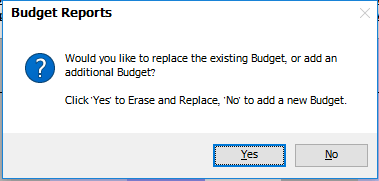
After choosing to create a new budget, user has the option to either Erase and Replace existing budget, or Create a new one.
By choosing ‘Yes’, all Year-to-date budget figures in the existing budget are updated to actuals, so that the variances actual vs. budgeted equal to zero.
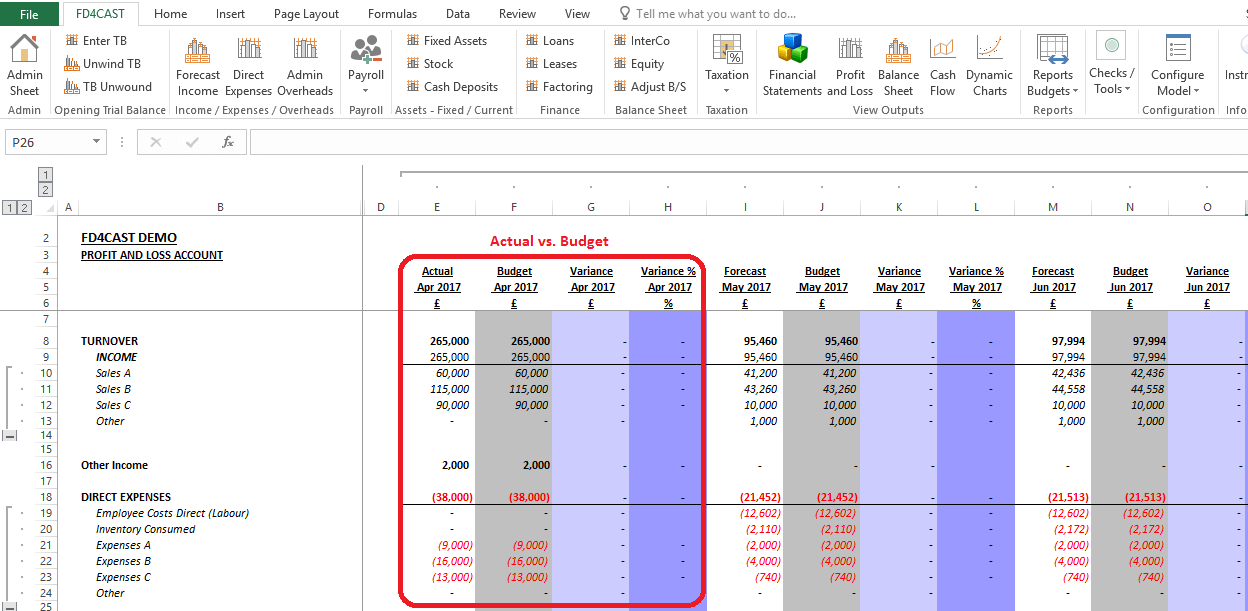
By choosing ‘No’, new budget worksheets are created, where existing variances are copied. User then has the possibility to reflect changes by entering new projections in Year-To-Go budgets without modifying older versions.