
By default, all formulas and calculations in the model are protected. This is helpful for preventing users from accidentally deleting or modifying the data, which might lead to errors in outputs.
When trying to access a specific formula, the following message comes up.

However, sometimes it is necessary to change formulas to accommodate the specific requirements of the user. This can be done by first unprotecting the model from Unprotect Model in Checks / Tools group.
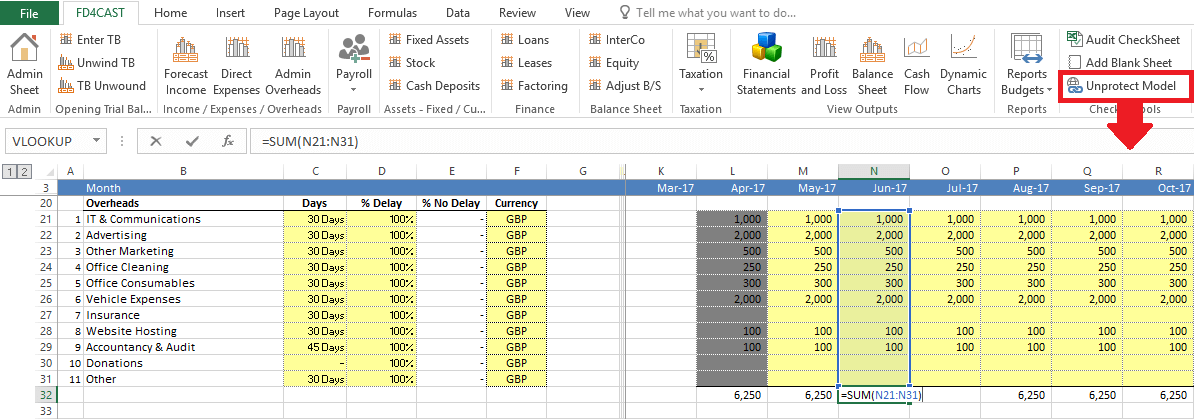
After unprotecting the model, all Microsoft Excel functionalities are activated in the model. User can modify formulas, hide/unhide rows & columns or add/delete specific data.