
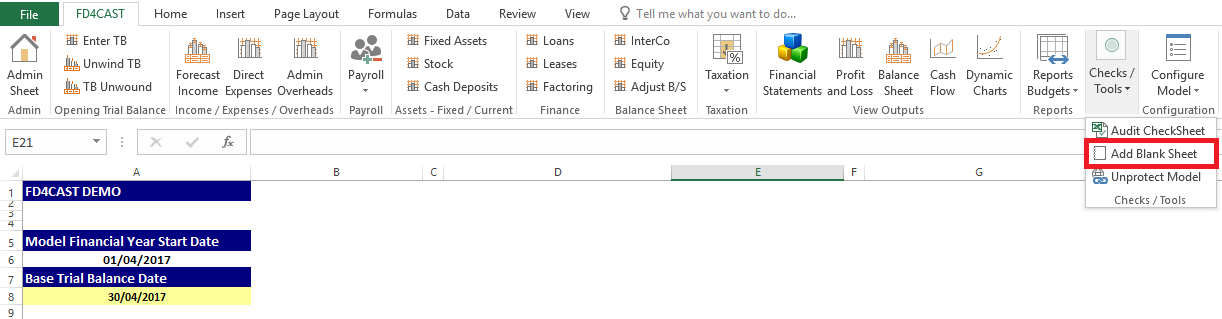
Blank Sheet can be added to the model by clicking on Add Blank Sheet from Checks / Tools Group.
Blank sheet will be added to the right of Admin Section with the default name of Assumptions1. It is possible to rename the sheet.
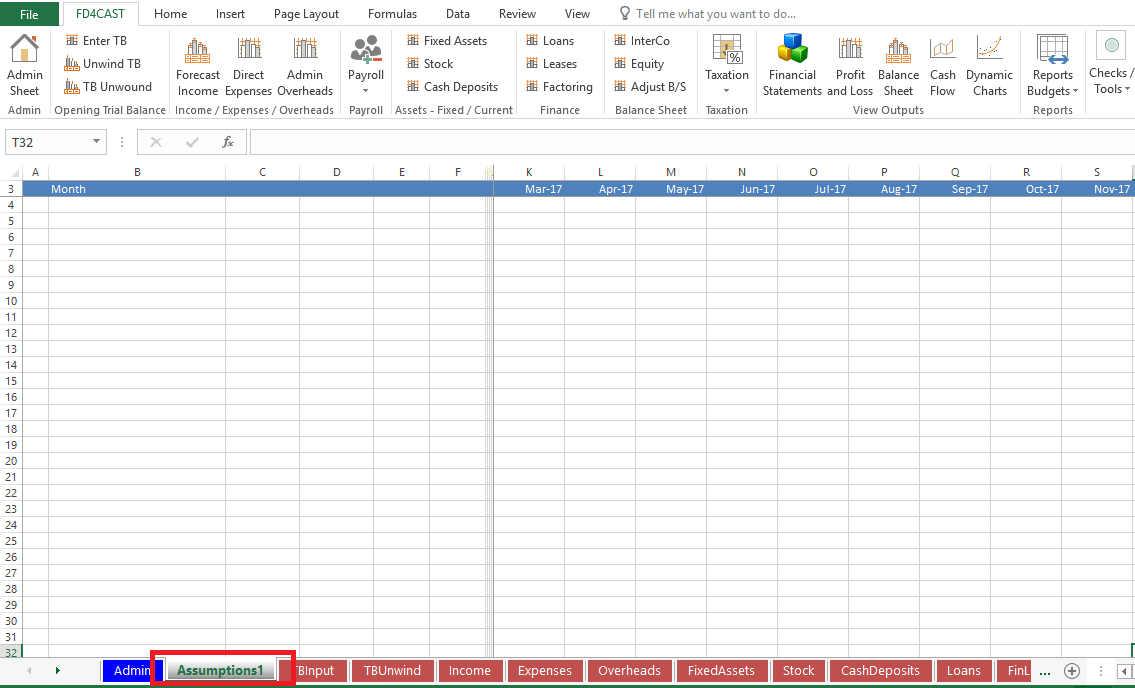
Blank Sheet will come with default formatting and column names that are in line with all other sections in the model. However, user can easily modify default inputs as all excel functionalities are active for this worksheet.