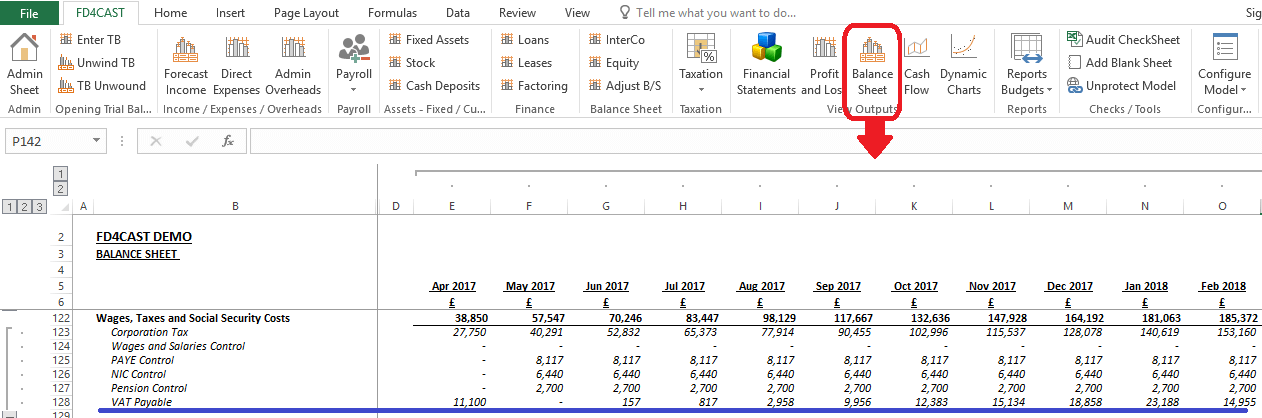
VAT Calculations section can be accessed from the Taxation Group on the ribbon:
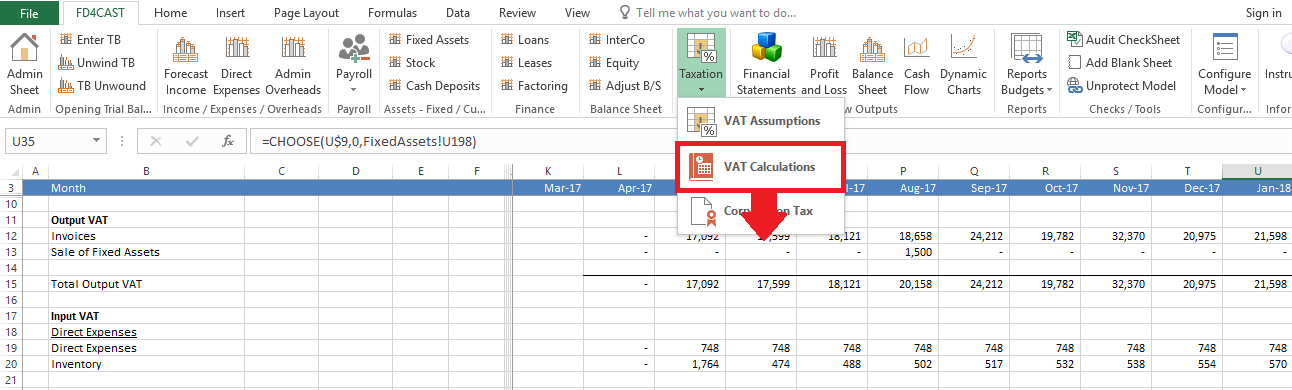
In this section user is not required to enter any information. It is for information purposes only.
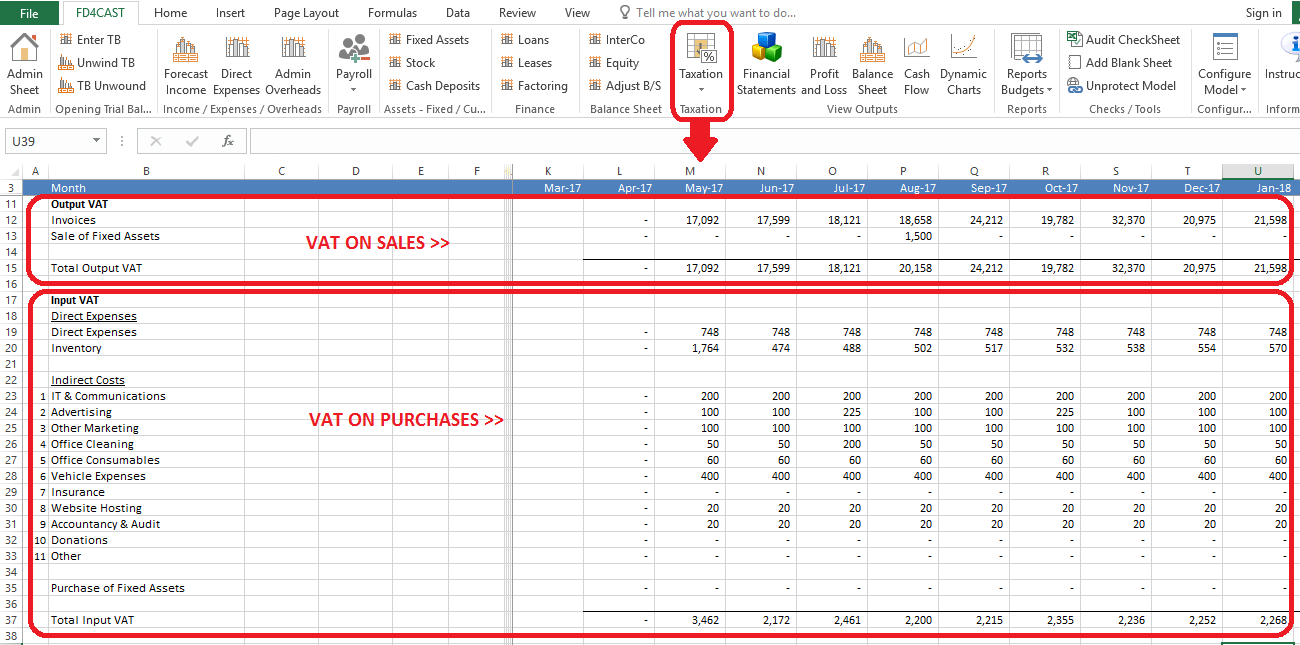
At the very top of the section we can review the Output VAT accrued on both regular and other income (e.g. sale of fixed assets).
Below we can see the Input VAT – paid above all types of direct and indirect costs and deductible from the Output VAT.
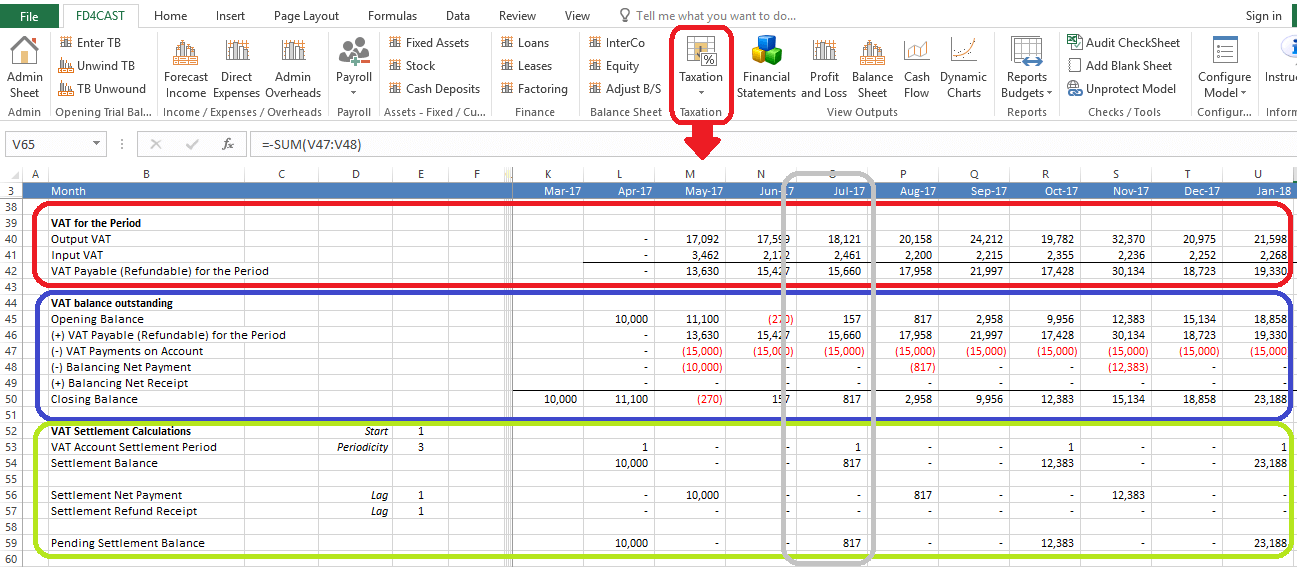
VAT accrued for the period is calculated as the difference between Output and Input VAT. E.g. In the month of July output VAT was £18,121 and the deductible VAT was in the amount of £2,461. Their difference – £15,660 is VAT payable for the period.
In order to calculate the outstanding VAT balance at the end of July, we take beginning balance, add VAT payable for the period and subtract any payments that took place during the month. The final amount – £817 is our closing balance for this account. Payment will take place at the end of August according to our initial configuration of VAT payments. For more details on this topic, please review Section 6.1.2 VAT Payment Configuration.
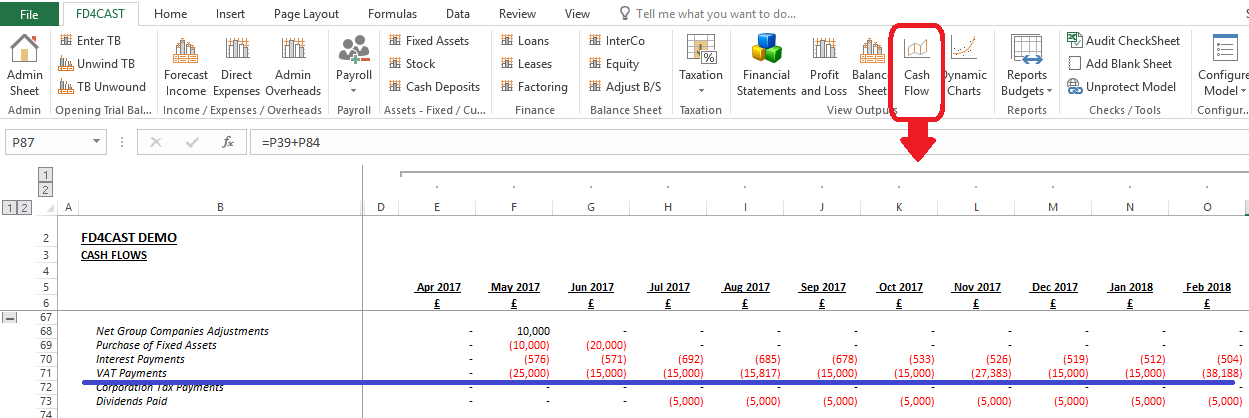
VAT payments are reported in the Statement of Cash Flows under VAT Payments. VAT refunds, if any, are shown under a separate line item VAT Refund Receipts.
VAT payable is shown on the Balance Sheet under Wages, Taxes and Social Security Costs: